User Manual for the Arcade Machine
FAQ
To power on the machine, press the power button near the power cable. After a few seconds, the machine will start which you will see on the display. Once it's on, use the joystick and the buttons to browse categories (e.g. Arcade, NES), then press the A button to select a game.
There are two categories of games: NES and Arcade. NES includes classic Nintendo Entertainment System games, while Arcade features old-school arcade games. Use the joystick and the buttons to browse through them. The screen will show you exactly which button to press to select and start a game.
Not all games support two-player mode. Some games are single-player only. Others allow two players to take turns using just one controller, so the second controller (on the right side) isn’t needed. A few games do support simultaneous two-player gameplay with both controllers.
Here are some great games to try, with notes on player modes and controller support:
NES:
Arcade:
Note: For Arcade games, make sure to register each player using the "Coin" button on the side of the machine!
Feel free to explore both NES and Arcade categories to find more hidden gems!
NES:
- Micro Mages – 2 players, supports 2 controllers
- Streemerz – Single player only
- Blade Buster – Single player only
- Assimilate – Single player only
Arcade:
- Car Polo – 2 players, supports 2 controllers
- Fire One – 2 players, supports 2 controllers
Note: For Arcade games, make sure to register each player using the "Coin" button on the side of the machine!
Feel free to explore both NES and Arcade categories to find more hidden gems!
Press the following buttons simultaneously to exit a game and return to the main menu:
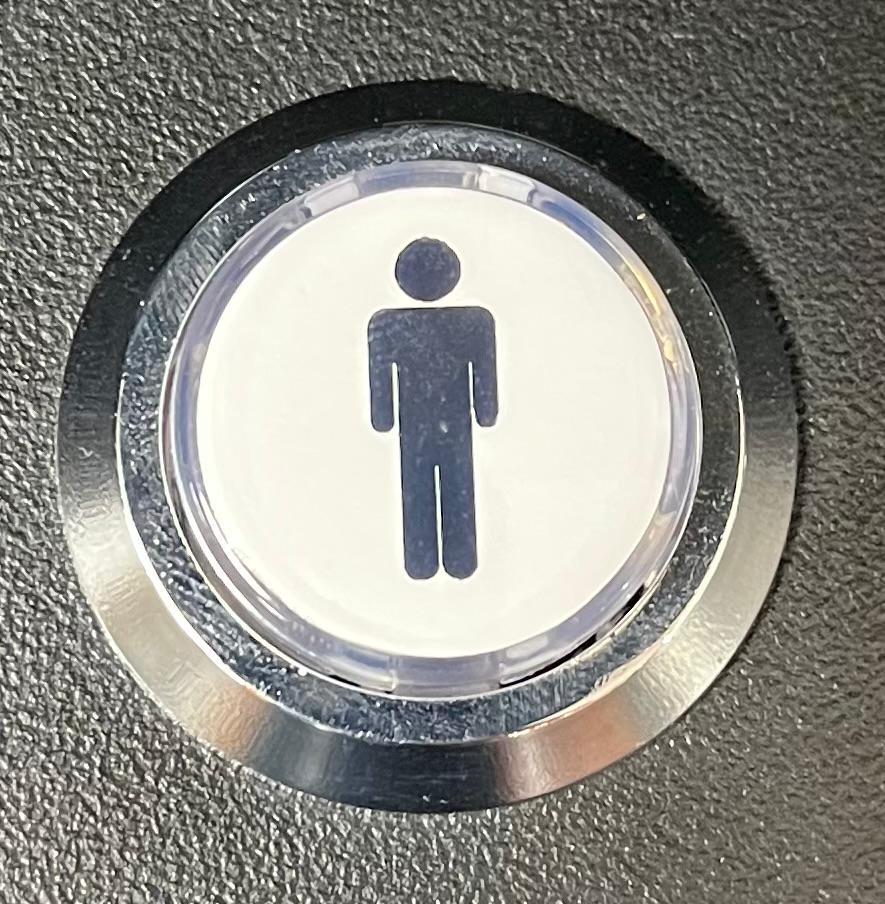 +
+
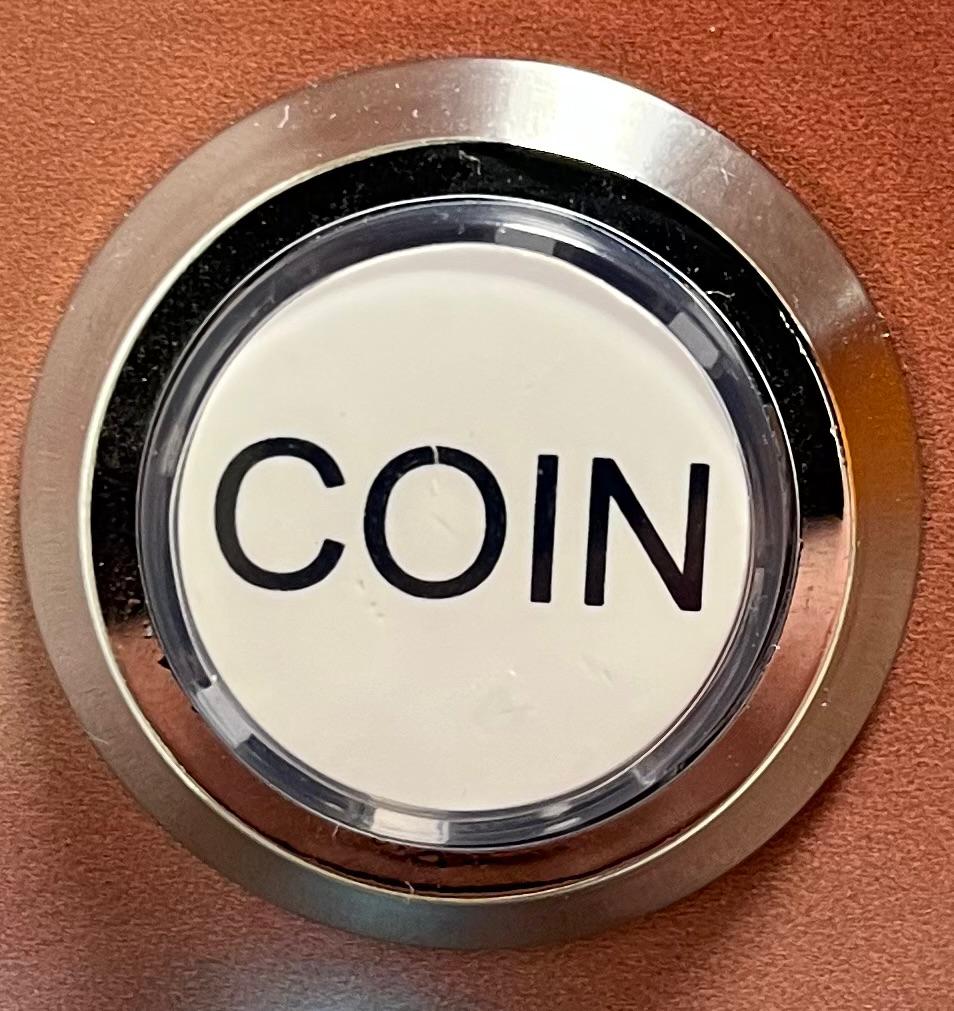
Note: Only works with buttons on the left side of the machine (Player 1 Button and Coin button on the left side)!
+
Note: Only works with buttons on the left side of the machine (Player 1 Button and Coin button on the left side)!
To perform a hard reset, turn off the arcade machine completely using the power button near the power cable.
Unfortunately, there are no detailed manuals for the individual games yet. That means: try it out and learn as you go! Most games are not too complicated and you’ll quickly get the hang of them. On the NES and Arcade pages, you'll also find short descriptions for each game to give you an idea of what to expect.